
Emulators
Emulators, set up once
Point Irori at your ROM folders. It recognizes each system, installs RetroArch, DuckStation, PCSX2, Dolphin and more from their projects, and checks your BIOS.
1 min read
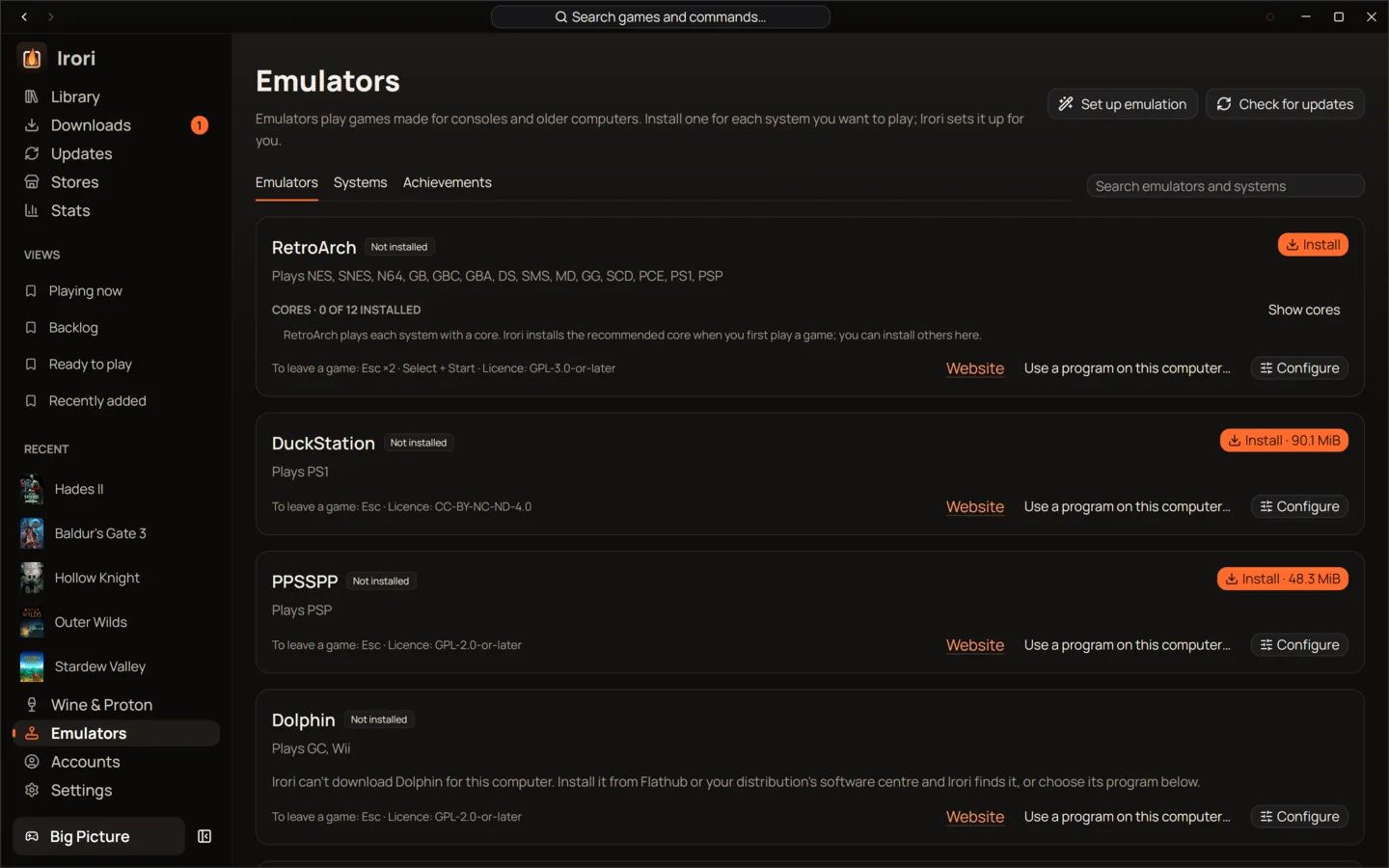
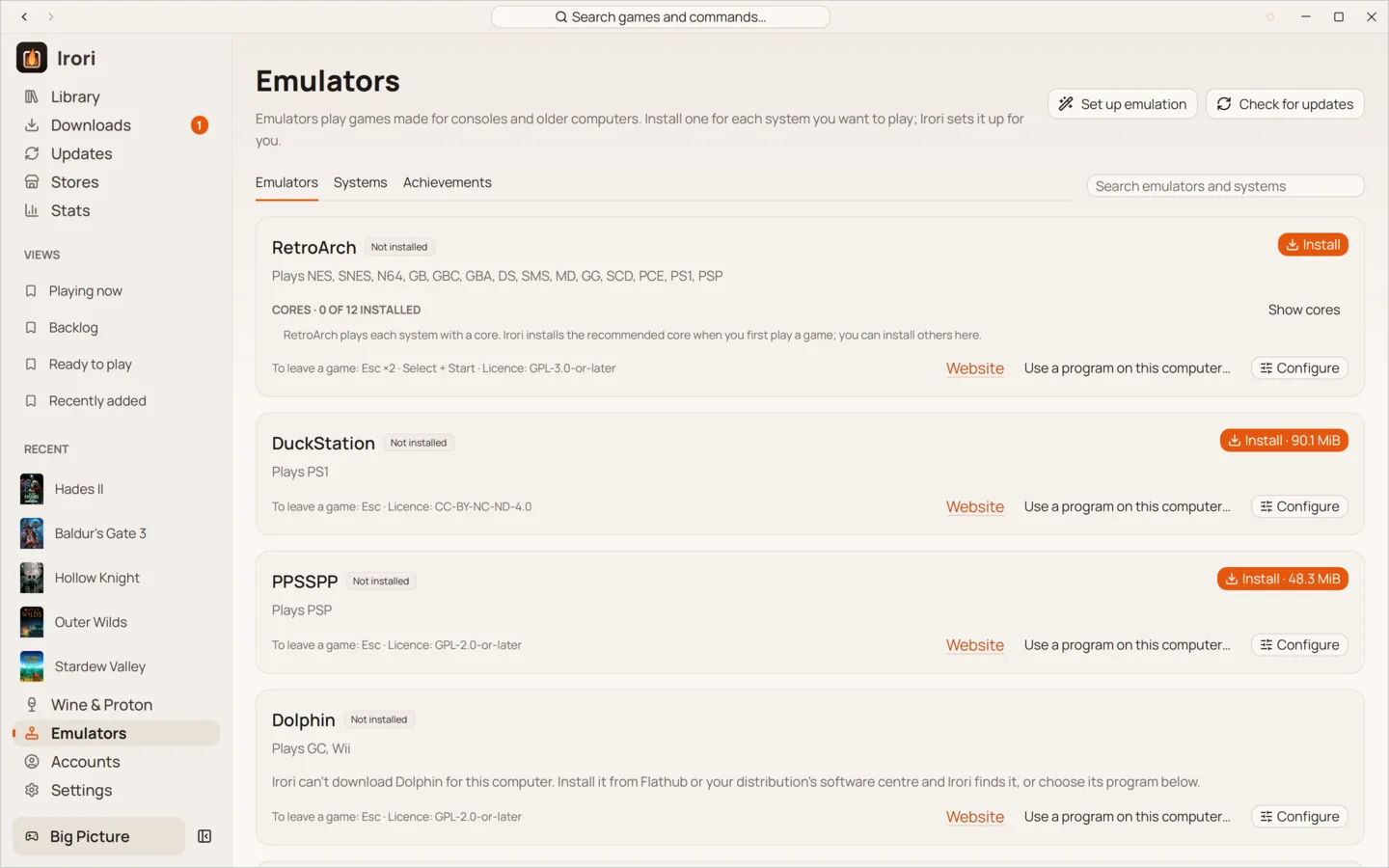
- Your ROM folders, watchedIrori scans them once, notices new files as they arrive, and never deletes a ROM.
- Emulators from their projectsInstalled on request from each project’s own servers, side by side by version.
- Twelve RetroArch coresMissing cores are installed on the way when a game needs one.
- BIOS checked, never downloadedIrori finds the files a system needs in your folder and tells you what is missing.
- System, region and revisionRead from the file name, for badges, filters and per-system shelves in Big Picture.
- An emulator per system or per gamePick each system’s default emulator, then change it for one game if you like.
- NES
- SNES
- N64
- GB
- GBC
- GBA
- NDS
- 3DS
- GC
- Wii
- PS1
- PS2
- PSP
- Genesis
- PCE
- DOS
- Arcade
Your ROMs in the same library
Tell Irori where your ROM folders are. It scans them incrementally, caching what it found by path, size and modification time, and watches them for new files. Each game gets its system, and its region and revision from the file name, which drive the system filter, the badges, a generated cover and Big Picture’s per-system shelves. Removing a game only hides it from the library: Irori never deletes ROMs.
Emulators Irori can install
RetroArch with twelve cores, DuckStation, PPSSPP, Dolphin, ScummVM, DOSBox Staging, PCSX2, melonDS, mGBA and Azahar. MAME is detected when you have it. Cemu, RPCS3, xemu, shadPS4 and AnyPS5 are there too, marked experimental, and never become a system’s default while another emulator plays it.
Irori downloads emulators from the projects’ own servers when you ask, and never redistributes them. Versions sit side by side, so installing a new one changes nothing until you choose Update, and a game pinned to a version keeps it. Flatpak and system installs are detected and labelled, never installed or removed by Irori.
BIOS files, handled carefully
Irori never downloads or links to BIOS files or ROMs. Point it at your own BIOS folder: it hashes only files that could plausibly be BIOS images, caches the results, and links the right files under the names each emulator expects before a game starts. When something is missing, the game doesn’t fail mysteriously; Irori says which file it needs and offers to choose the folder.
Choosing the emulator
When a game starts, Irori uses the game’s own choice, else the system’s default, else the first installed recommended emulator. A RetroArch core that isn’t installed yet is installed on the way. The Emulators page installs, updates and removes versions and cores, and sets each system’s default.
Systems include NES, SNES, N64, Game Boy, Game Boy Color and Advance, DS, 3DS, GameCube, Wii, PlayStation, PlayStation 2, PSP, Genesis, PC Engine, DOS and arcade games.
Keep reading
- LibraryOne library for every game you ownEvery store, your ROMs and your own games in one grid that stays smooth at thousands of covers.
- Big PictureBig Picture, made for the couchThe whole launcher with a controller, opening by itself in the Steam Deck’s Game Mode and scaled for a TV.
- Wine and ProtonWine, Proton and Game Porting Toolkit, managed for youManaged Wine and Proton builds on Linux, Wine, CrossOver and Game Porting Toolkit on macOS, a prefix per game.
Ready to light the fire?
Irori is free, open source and installs from the package manager you already use.
Download Irori