
Wine and Proton
Wine, Proton and Game Porting Toolkit, managed for you
Irori downloads GE-Proton, Proton-CachyOS, Wine-GE and Kron4ek on Linux, and Game Porting Toolkit, Wine-Crossover and Wine-Staging on macOS, with a prefix per game.
2 min read
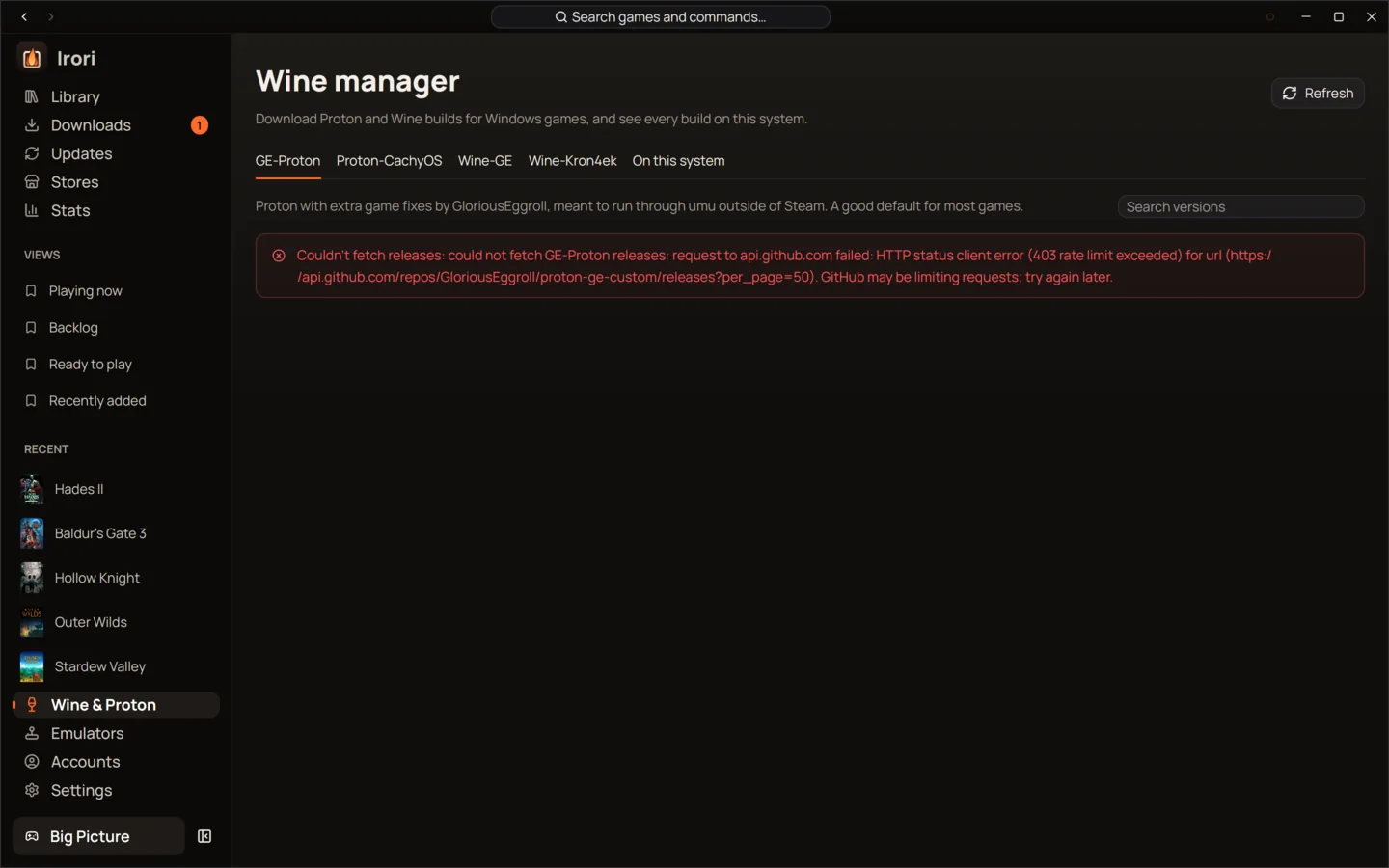
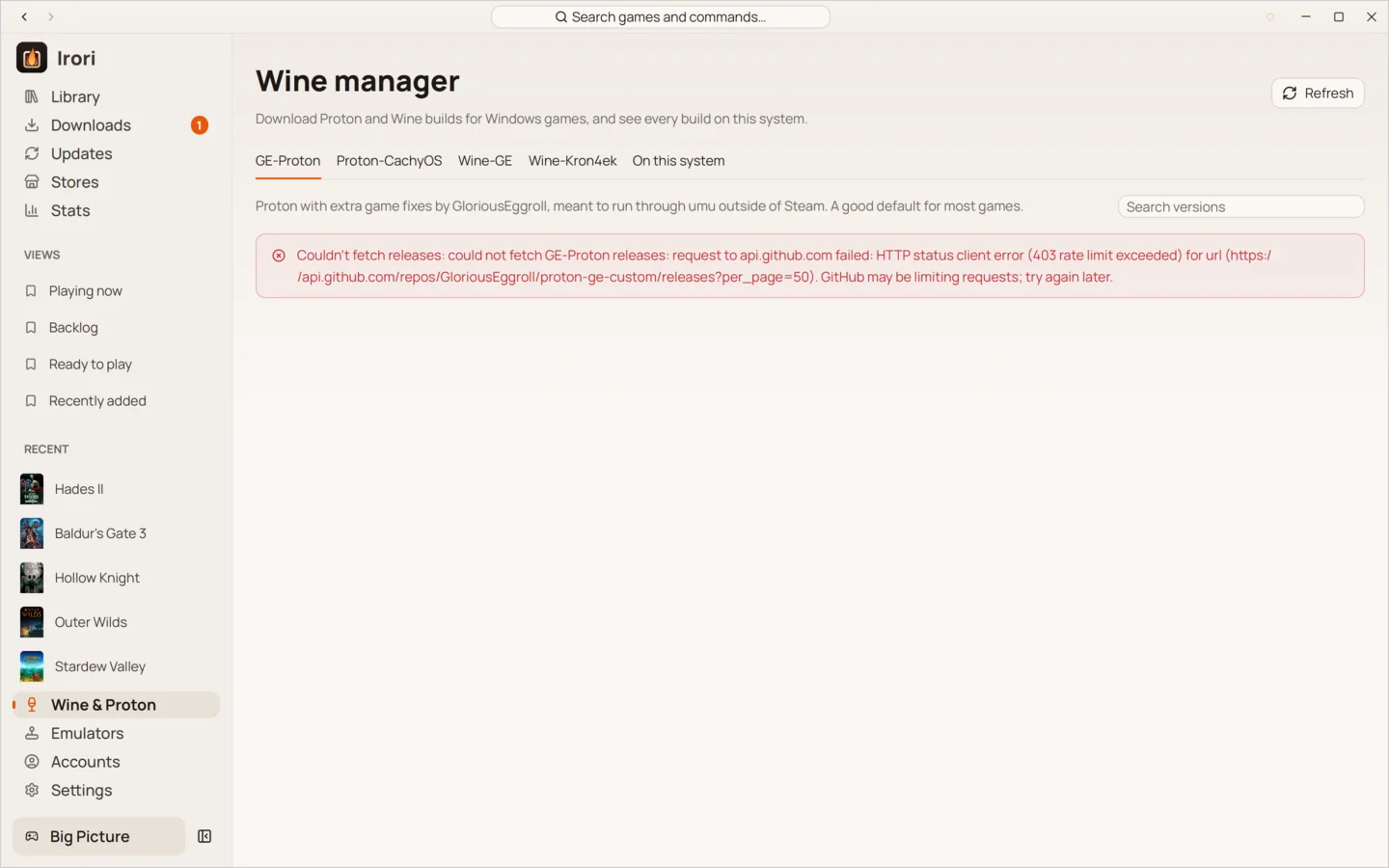
- Linux builds, downloaded for youGE-Proton, Proton-CachyOS, Wine-GE and Kron4ek, plus the builds already on your system.
- macOS, three waysGame Porting Toolkit, Wine-Crossover and Wine-Staging-macOS, or your CrossOver and Whisky installs.
- DXVK and VKD3D-ProtonInstalled and picked per Wine build, with DXVK-NVAPI and umu alongside.
- A prefix per gameEach game can keep its own prefix and its own Wine build.
- Roll back an updateAn updated Wine build keeps the one it replaced, so you can go back.
- No Wine on WindowsWindows games run natively, with no Wine download at all.
The right runtime on every system
Irori keeps the system running the launcher apart from each game’s own platform. A Windows game needs Wine on Linux and macOS and runs directly on Windows. Native macOS, Linux and browser games skip Wine entirely, and a game built for another native system is refused before launch instead of failing mysteriously.
| System | Native games | Windows games | Builds Irori downloads |
|---|---|---|---|
| Linux | Linux, browser | Wine, Proton or umu | GE-Proton, Proton-CachyOS, Wine-GE, Kron4ek |
| macOS on Intel | macOS, browser | Wine, CrossOver | Wine-Crossover, Wine-Staging-macOS |
| macOS on Apple silicon | macOS, browser | Wine, CrossOver, Whisky, Game Porting Toolkit | Game Porting Toolkit, Wine-Crossover, Wine-Staging-macOS |
| Windows x64 | Windows, browser | Runs natively | None needed |
Linux
The Wine manager downloads GE-Proton, Proton-CachyOS, Wine-GE and Kron4ek builds, and finds the ones already installed by your system, Steam, Lutris and Bottles. DXVK, VKD3D-Proton, DXVK-NVAPI, gamescope, MangoHud, GameMode, umu and the Steam runtime are handled for you.
macOS
Irori downloads Game Porting Toolkit, Wine-Crossover and Wine-Staging-macOS, and discovers Wine app bundles, Homebrew installs, CrossOver and CrossOver Preview, and Whisky’s Wine. Game Porting Toolkit builds need Apple silicon and macOS 14 or later; Intel Wine on Apple silicon needs Rosetta 2, which Irori checks before it sets up a prefix.
To use the CrossOver app, create a bottle in CrossOver first and name it in the game’s Wine settings. Irori runs the game in that bottle and never deletes a shared CrossOver bottle. Retina mode makes Wine, CrossOver and Game Porting Toolkit render at your display’s full resolution.
Updates you can undo
Wine builds, DXVK, VKD3D-Proton, DXVK-NVAPI, umu and the anticheat runtimes are checked once a session and daily, on the same Updates page as your games. When a Wine build is updated in place, the build it replaced is kept, so you can go back if a game stops working.
A runtime being available doesn’t guarantee a game works: DRM, anticheat, graphics APIs and the chosen runtime still matter. Irori shows ProtonDB, Steam Deck and anticheat information on each game’s page to help you decide.
Keep reading
- PlayOne click to play, tuned per gameOne click to play from anywhere, with per-game settings that inherit your defaults and show what you changed.
- EmulatorsEmulators, set up oncePoint Irori at your ROM folders; it recognizes each system, installs the emulator and checks your BIOS.
- Downloads and updatesDownloads that finish, updates in one placeA queue that pauses offline and resumes after a restart, and one Updates page for games and tools.
Ready to light the fire?
Irori is free, open source and installs from the package manager you already use.
Download Irori