
Downloads and updates
Downloads that finish, updates in one place
Irori downloads games in parallel, verified chunks, resumes after a restart and updates only what changed. One Updates page covers games, Wine and emulators.
1 min read
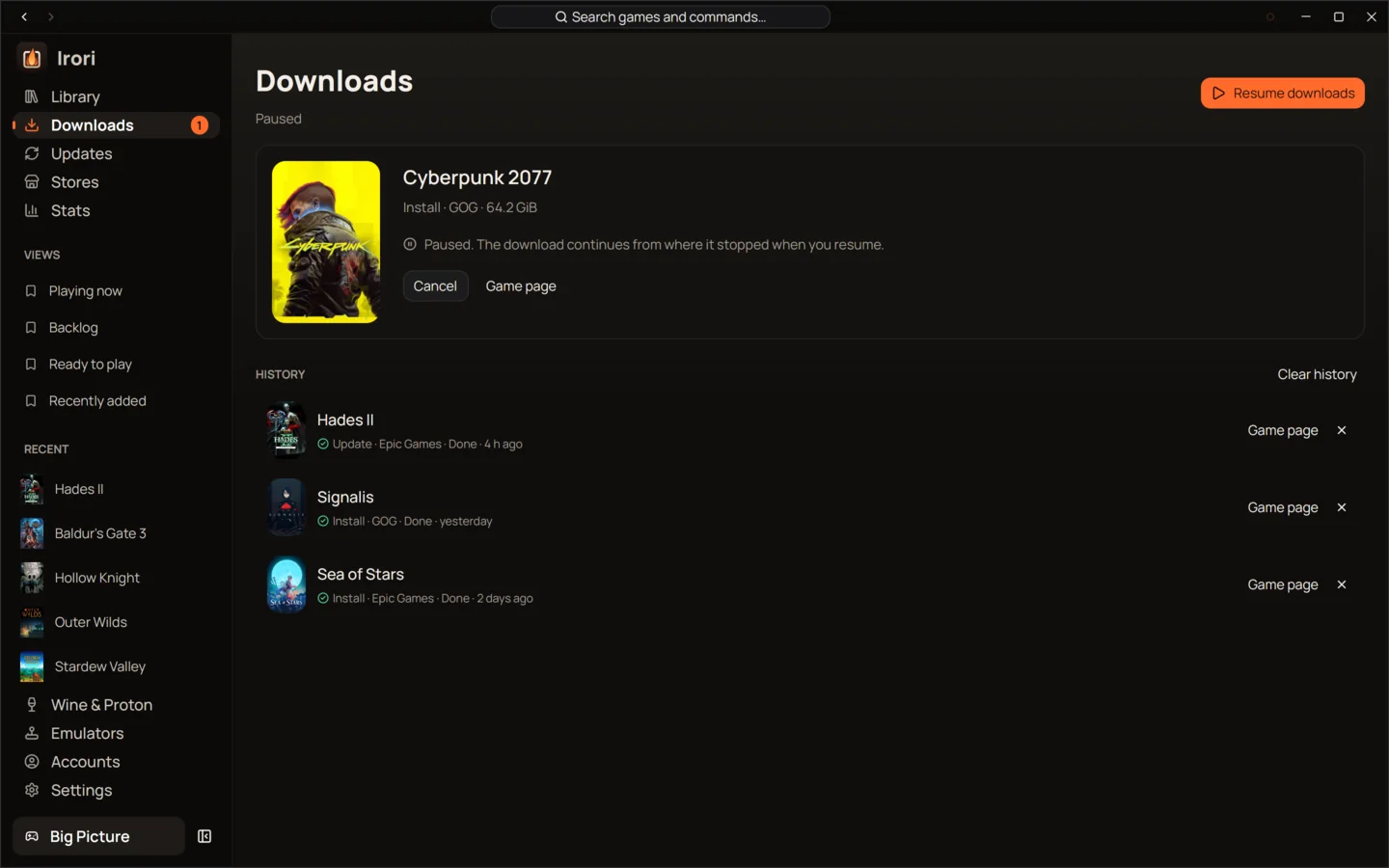
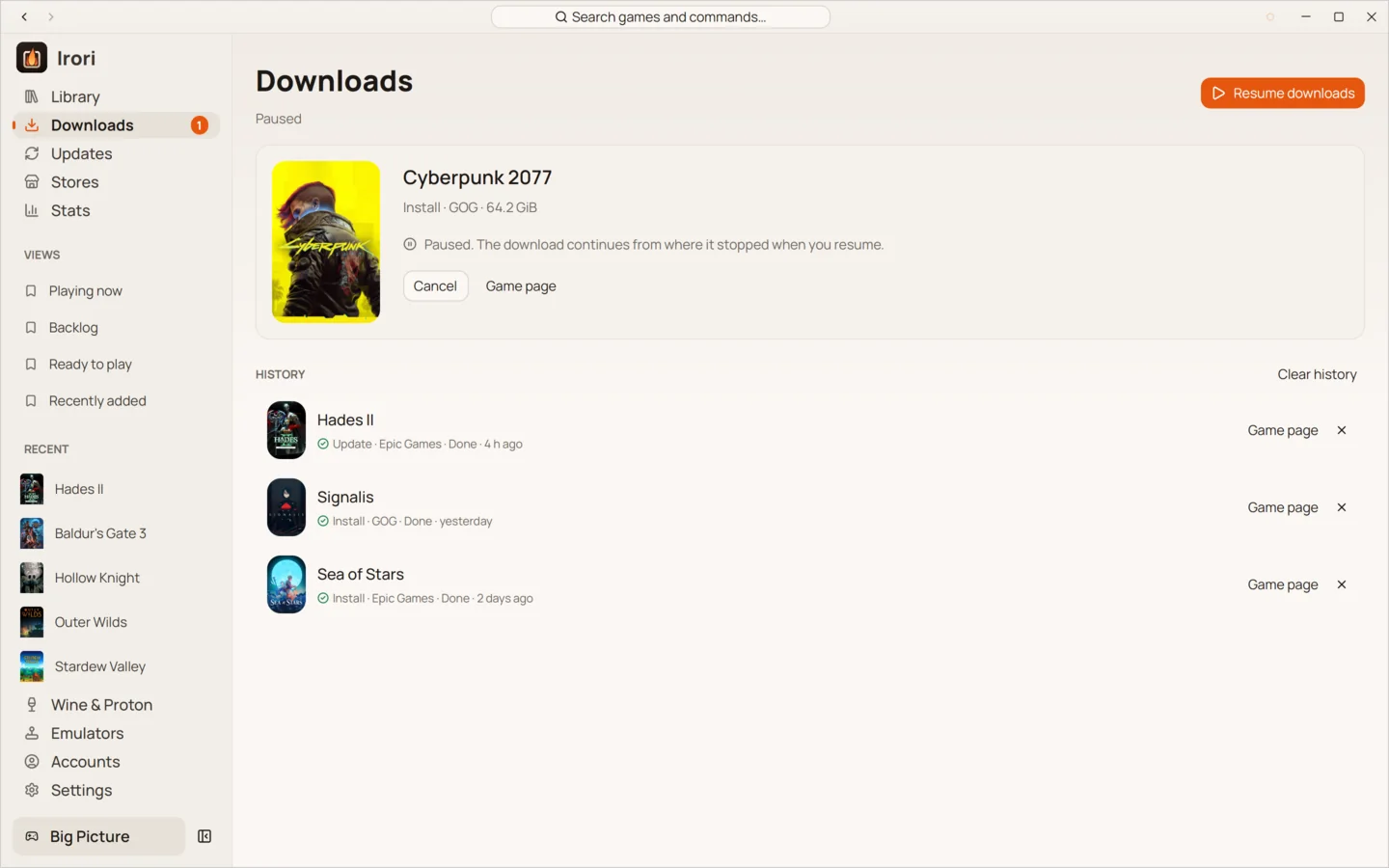
- Parallel and verifiedChunks download side by side and are checked as they arrive.
- Resume after anythingDownloads pause when you go offline, and carry on after a restart.
- Delta updatesUpdates fetch only what changed between versions.
- RepairChecks every file against the store’s manifest and fetches what is wrong.
- One Updates pageGames, Wine and Proton, DXVK, VKD3D-Proton, umu, emulators, cores and Irori itself.
- Updates on your termsAutomatic updates can keep to set hours and stay off metered connections.
A queue you control
Irori downloads one game at a time, in parallel chunks that are verified as they arrive. Reorder the queue, pause, resume or cancel, and watch the speed and time left. The queue is saved, so a download that was running carries on after a restart, and downloads pause by themselves when you go offline and resume when you’re back. A history keeps what finished.
Updates, all on one page
The Updates page gathers game updates and everything Irori manages: Wine and Proton builds, DXVK, VKD3D-Proton, DXVK-NVAPI, umu, the anticheat runtimes, emulators, RetroArch cores and Irori itself. Check now, update everything, skip a version, stop updating a game, or go back to the Wine build an update replaced. Game updates fetch only what changed.
Automatic updates can keep to the hours you set and, where the system can tell, stay off metered connections. A store whose update check failed keeps its last answer instead of showing nothing.
Repair, move and import
Repair checks every file of a game against the store’s manifest and downloads what is missing or damaged. Games can move to another drive, and installs you already have, from another launcher or a folder of GOG installers, can be imported instead of downloaded again.
New versions of Irori
Irori looks for its own new versions only where nothing else updates it. Installed with apt, dnf, pacman or Flatpak, it never checks: your system updates it. Installed with Homebrew or Scoop, it tells you the command to run. Irori never downloads or installs itself.
Keep reading
- StoresTen stores and launchers, built inStore protocols written in Rust inside Irori, with several accounts per store and nothing extra to download.
- Wine and ProtonWine, Proton and Game Porting Toolkit, managed for youManaged Wine and Proton builds on Linux, Wine, CrossOver and Game Porting Toolkit on macOS, a prefix per game.
- PerformanceFast, light and quietOne native process drawn on your GPU, about 88 MiB of memory and zero CPU while it waits.
Ready to light the fire?
Irori is free, open source and installs from the package manager you already use.
Download Irori