
Library
One library for every game you own
Irori puts Epic Games, GOG, Amazon, ZOOM, itch.io and Steam games, your ROMs and your own games in one fast, searchable library with categories and favourites.
1 min read
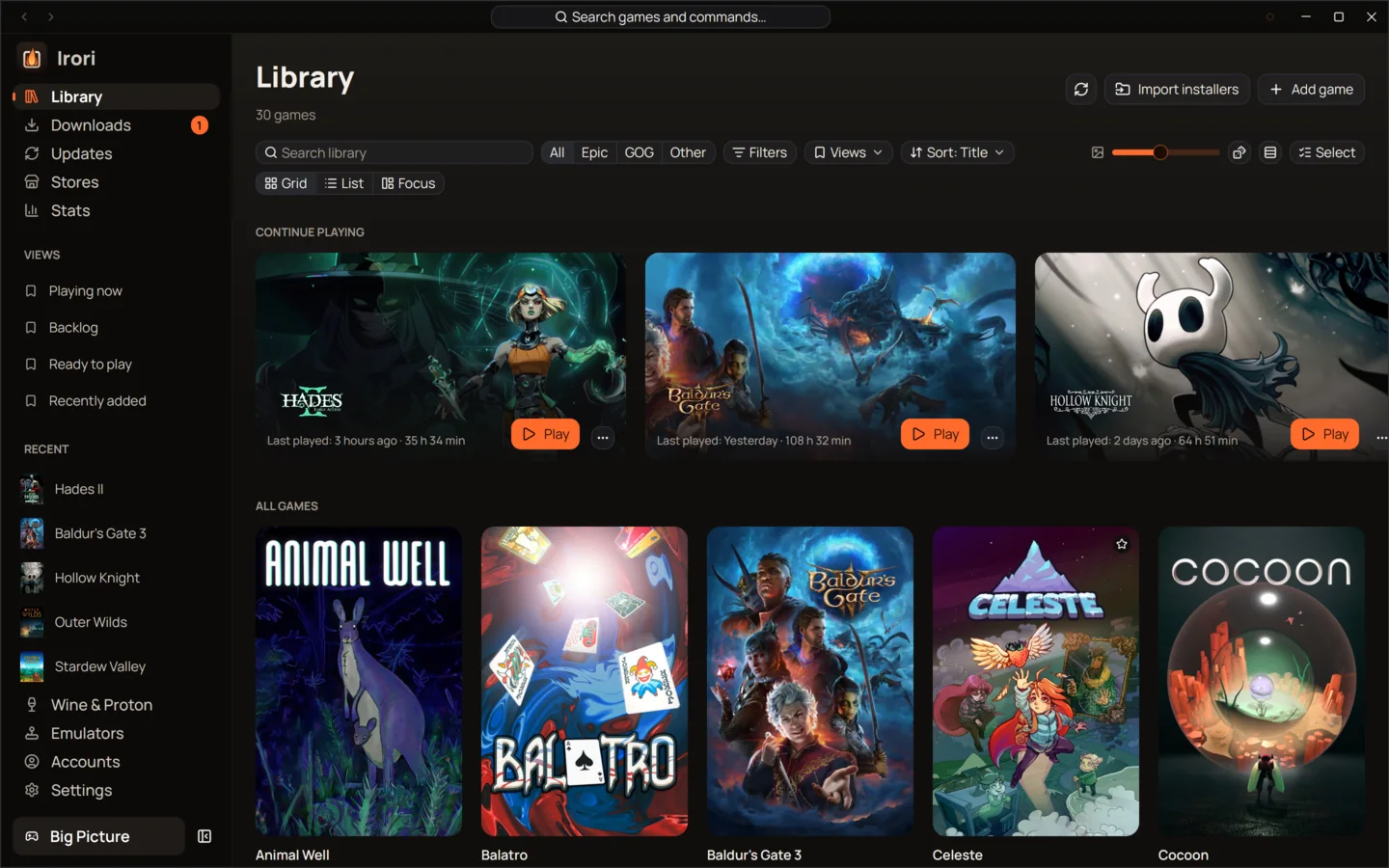
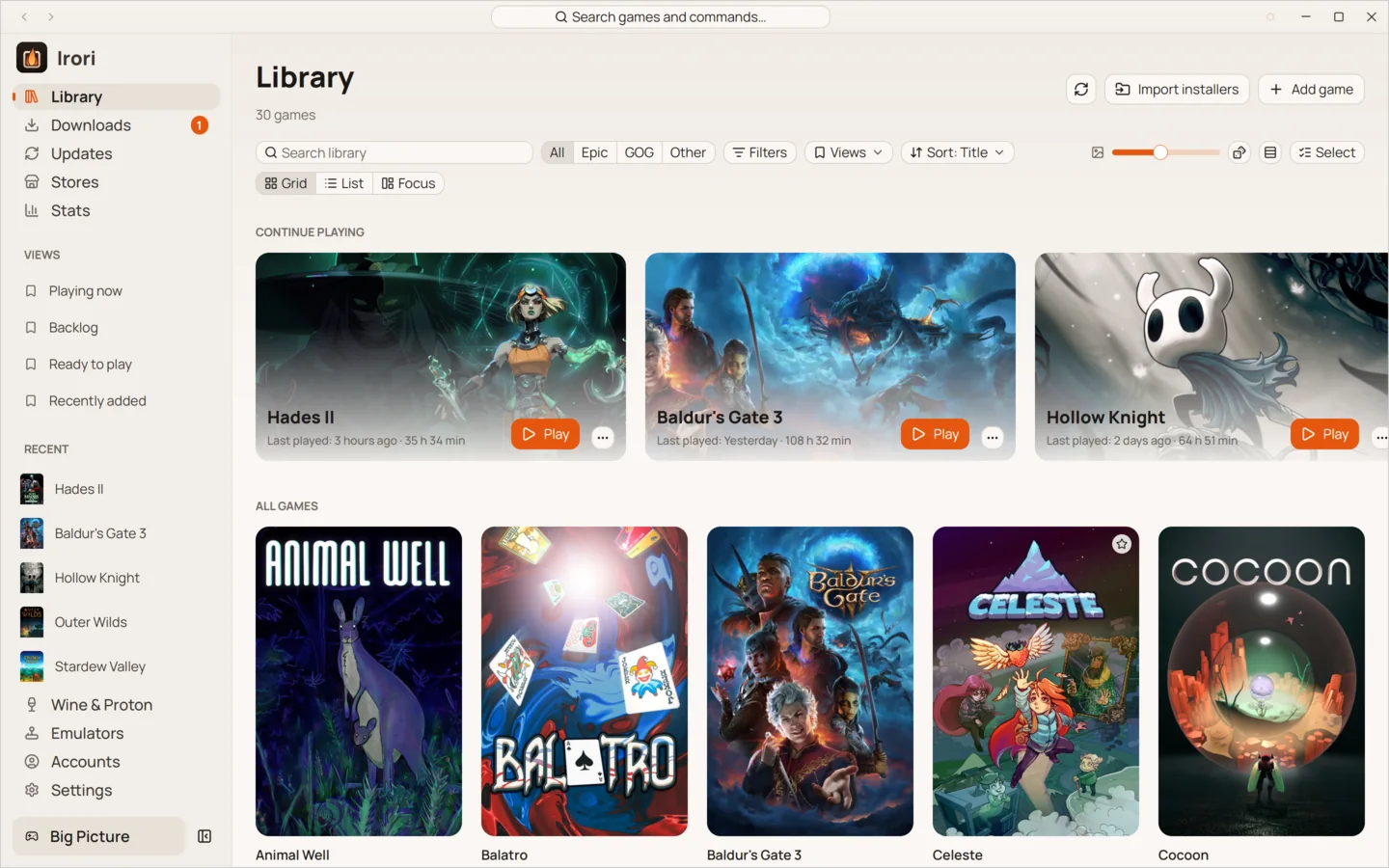
- Fuzzy search and a command paletteType a few letters of any title. Ctrl K finds games and commands alike.
- Categories, favourites and hidden gamesSort your shelves the way you think about them, and hide what you never play.
- Continue playingThe games you played last sit at the top, one click from Play.
- Grid or listCovers at the size you like, or a sortable list with store, size, playtime and status.
- A random pickCan’t choose? Ctrl Shift G picks a game for you.
- Installed games by driveSee what is installed where, and hide the stores you don’t use.
Everything in one place
Irori gathers your Epic Games, GOG, Amazon Games, ZOOM Platform and itch.io libraries, your installed Steam games, your emulated games and anything you add yourself into one library. Games from Battle.net, the EA app, Ubisoft Connect and the Rockstar Games Launcher join it too, once you set those launchers up.
Each game keeps one page with its playtime, last session, settings, art and logs, whichever store it came from.
Find any game in a second
Search is fuzzy, so “moth carto” finds The Moth Cartographer. Filters narrow the library to one store, to emulated games or to what is installed, and sorting puts it in the order you want. The command palette (Ctrl K, Cmd K on a Mac) goes further: it finds games and actions, so you can play, install or open a setting without touching the mouse.
Your own games, your own art
Add any program as a game: a native app, a Windows game run through Wine, or a browser game. Added games keep their own description, developer, release date and genres, and you can change the title or the art of any game in the library.
Built for big libraries
Every long list in Irori is virtualized, so only the covers on screen exist at any moment. Cover art is decoded once into thumbnails on disk and held in a bounded GPU cache, so scrolling through thousands of games stays smooth and memory stays flat.
Keep reading
- StoresTen stores and launchers, built inStore protocols written in Rust inside Irori, with several accounts per store and nothing extra to download.
- EmulatorsEmulators, set up oncePoint Irori at your ROM folders; it recognizes each system, installs the emulator and checks your BIOS.
- PerformanceFast, light and quietOne native process drawn on your GPU, about 88 MiB of memory and zero CPU while it waits.
Ready to light the fire?
Irori is free, open source and installs from the package manager you already use.
Download Irori