
Stats
Stats that show how you play
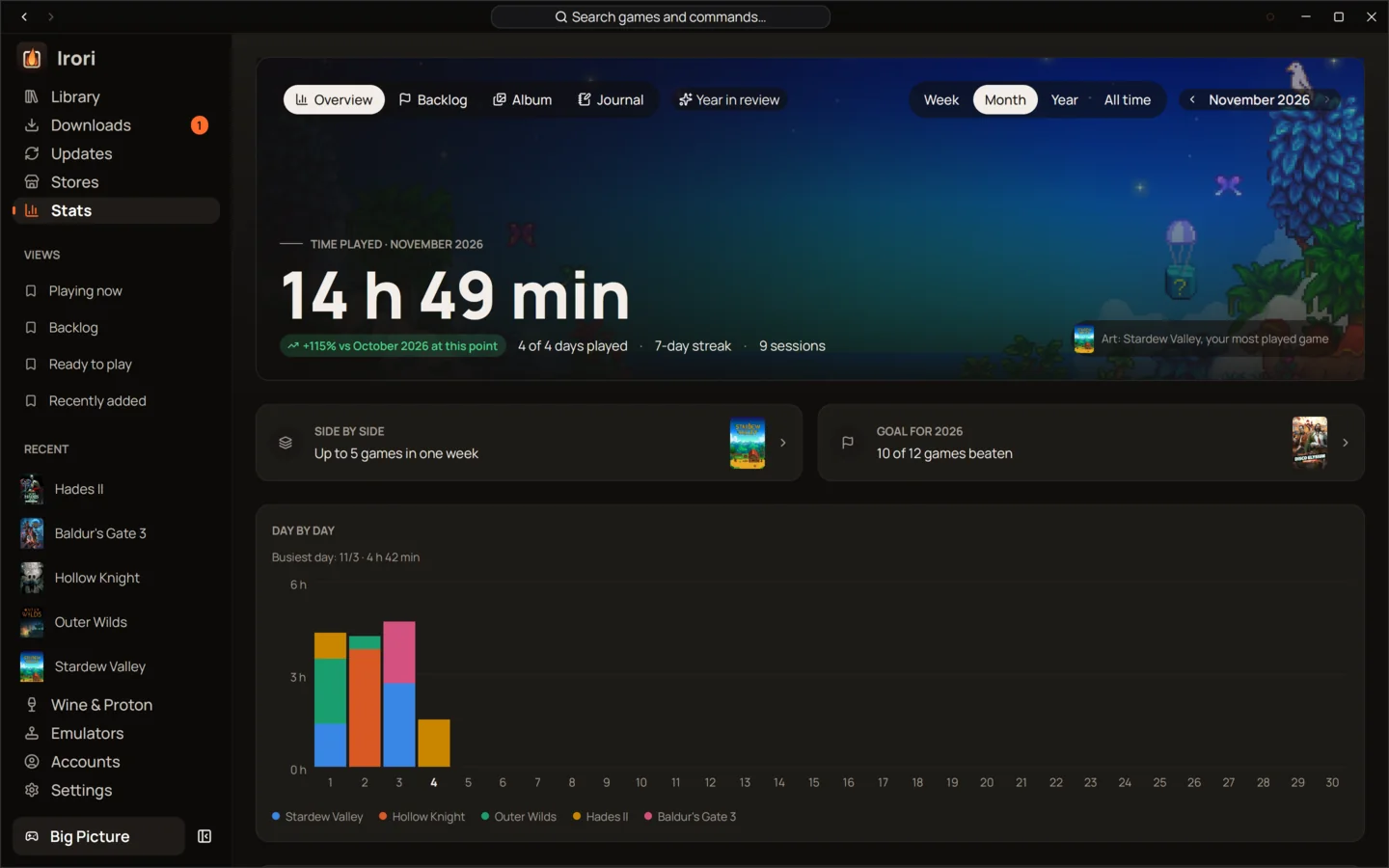
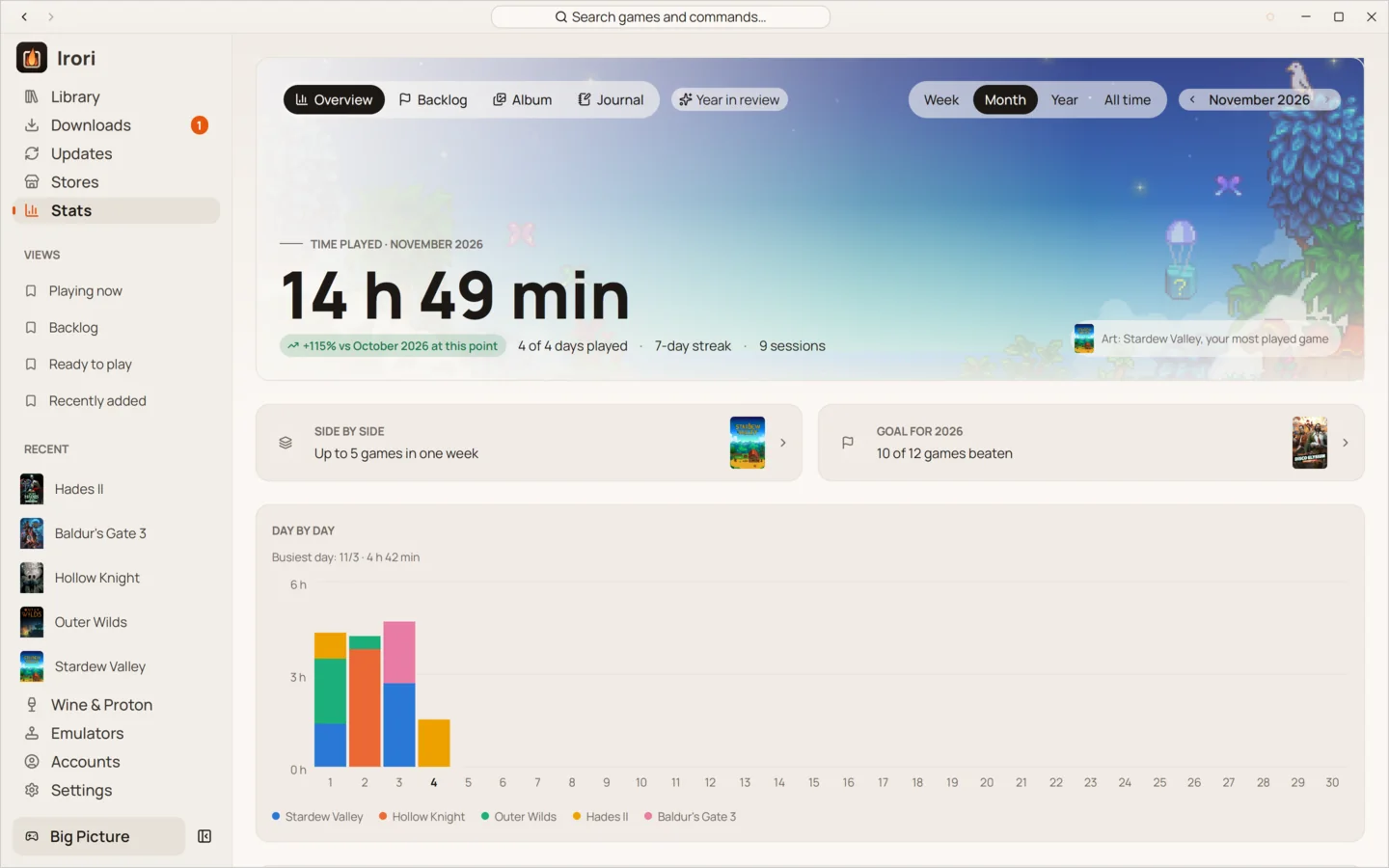
Irori tracks every play session itself and merges store playtime, then shows hours per week, streaks, all-time totals, time per store and your most played games.
1 min read
- Sessions counted by IroriEvery game Irori starts is timed until it ends, even games another launcher owns.
- Store playtime mergedIrori keeps the larger of its own total and the store’s, so nothing is counted twice.
- Games, not their DLCPlaytime counts games only, never repeated per DLC.
- Weeks and streaksThis week against last, your current streak and your longest one.
- Per store and most playedSee where your hours go, and which games you keep coming back to.
- Kept on your computerSessions are stored in Irori’s own state folder, never sent anywhere.
Counted by Irori, not guessed
Irori times every game it starts, from launch until the game ends. For games another program owns, such as Steam games or games from Battle.net, the EA app, Ubisoft Connect or Rockstar, it follows the game’s own processes rather than the launcher, so a session doesn’t end while the game still runs.
Stores keep their own playtime too. Irori merges it by keeping the larger total, and counts games only, never their DLC, because some stores report a DLC’s playtime as a copy of the game’s.
The Stats page
- This week, with how it compares to last week.
- Current streak and longest streak, in days.
- All time, across every store.
- Play time per week, as a chart of recent weeks.
- By store and most played, to see where the hours go.
Each game’s page shows its own playtime and when you last played it.
Private by default
Sessions are written to sessions.jsonl in Irori’s state folder on your computer. Irori sends no
telemetry or analytics, so your play history stays yours.
Keep reading
- LibraryOne library for every game you ownEvery store, your ROMs and your own games in one grid that stays smooth at thousands of covers.
- PlayOne click to play, tuned per gameOne click to play from anywhere, with per-game settings that inherit your defaults and show what you changed.
- PerformanceFast, light and quietOne native process drawn on your GPU, about 88 MiB of memory and zero CPU while it waits.
Ready to light the fire?
Irori is free, open source and installs from the package manager you already use.
Download Irori